Download Edit Photo free on android
APK file Edit Photo 1.14How to install APK / APKS / OBB file on Android

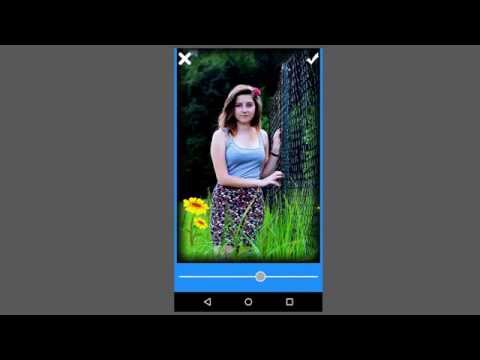

Hi, We are introducing highly photo editing application for users and photographers to develop high quality images. This photo editor application gives you Photo with editing without any quality compressing..
You can convert your old and dull looking photos to high quality with color and filter effects..
Too many options here to develop your photos to HD looking with brightness,contrast and rgb edits.. You can change photo shapes like round,oval,love and many more designs... Write text on photos with customization fonts and colors. Add stickers on your pictures and create funny photos and collages.. Draw the colors with brush tool..
You can create the Bokeh effects with different symbols...
Special Features:
>> Take the photos from camera and gallery
>> Crop the photos in to different symbol shapes
>> Edit with brightness,contrast and rgb tools
>> Photo overlay filters
>> Colorful Photo frame boarders
>> Add text and paint with colors
>> Cartoonic and funny stickers
So enjoy this free application, edit your photos and share in online platform..
Please support us with your ratings,comments and encourage us to develop more free applications and games
⚡? Performance improved
- LicenseFree
- File nameEdit Photo
- File Version1.14
- Package namebestfreelivewallpapers.edit_photo
- Size18.31 MB
- UploadedJanuary 22, 2026
- Android7.0 or later

- CategoryPhotography
- DeveloperTri Core
- Developer sitehttps://sites.google.com/site/tricoreapps/privacy-policy
- Developer emailgamestricore@gmail.com
- md5 hashcd30da4d85a5c4bbc449b281f3544981
- Architecture-
- Permissionsshow (13)
